
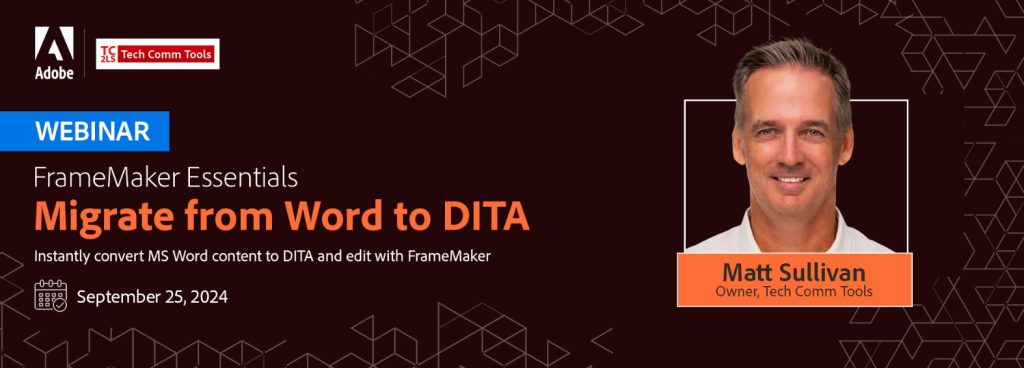
Adobe FrameMaker Essentials
Part 11: Migrate from Word to DITA
Recording
The recording of this webinar is now available on YouTube here.
The recordings of all sessions of the FrameMaker Essentials series are available in the Adobe FrameMaker Essentials Playlist on YouTube.
This webinar was recorded on September 25, 2024.
Welcome to Adobe FrameMaker Essentials, an online workshop series on the market-leading software for authoring and publishing technical content, Adobe FrameMaker. Here is your exclusive opportunity to learn from renowned technical communication experts and get hands-on training on Adobe FrameMaker.
Are you ready to transition from Microsoft Word to structured content with DITA using Adobe FrameMaker? Join Matt Sullivan, an Adobe Certified Expert and Trainer, as he guides you through the essentials of migrating Microsoft Word files to DITA XML with Adobe FrameMaker.
DITA, a widely-adopted standard by large organizations globally, is essential for effective content management, localization, and other advanced technologies.
In this session, you will learn how to utilize the “Convert Word to DITA” function in Adobe FrameMaker, enabling you to start editing immediately. Matt will demonstrate how to open and directly edit DITA and DITAMAP files in Adobe FrameMaker, and share valuable tips on converting specialized assets. By the end of this workshop, you will have a solid understanding of the structure of basic DITA file types including Topic, Concept, Reference, and Task. You will also learn how to prepare Word and FrameMaker formats for more accurate and complete DITA conversion, and gain access to the necessary tools to edit DITA format files efficiently.
Key Takeaways
- DITA Structure Insights: Understand the structure of basic DITA file types such as Topic, Concept, Reference, and Task.
- Essential Editing Tools: Access the tools needed to efficiently edit DITA format files.
- Preparation Techniques: Prepare Word and FrameMaker formats for more accurate and complete DITA conversion.
- Efficient DITA Conversion: Master the process of converting Microsoft Word files to DITA using Adobe FrameMaker.
- Specialized Asset Tips: Receive tips on converting specialized assets for a smoother transition to DITA.
- Direct Editing Capabilities: Learn to open and directly edit DITA and DITAMAP files within Adobe FrameMaker.
This webinar is designed for Microsoft Word users considering a move to structured content with DITA and Adobe FrameMaker, as well as current Adobe FrameMaker users looking to migrate Word DOCX files to DITA.
Your Expert
Speaker: Matt Sullivan

Matt Sullivan is the owner of Tech Comm Tools, headquartered in San Jose, California, USA.
Through his company, Tech Comm Tools, Matt Sullivan helps technical communicators create, manage, and deliver content. Matt regularly lectures to groups and conferences across the country on mobile, web, and interactive topics.
He is the author of an entire series of FrameMaker reference and workbooks and runs online training courses at www.techcommtools.com.