Skip to content
Customer Experience (CX), Employee Experience Industry Insights

Customer Experience (CX), Employee Experience Industry Insights

  • Who we are
  • Customer Experience (CX)
  • White Paper
  • IT Event
  • Contact us
  • Advertise
Customer Experience (CX)

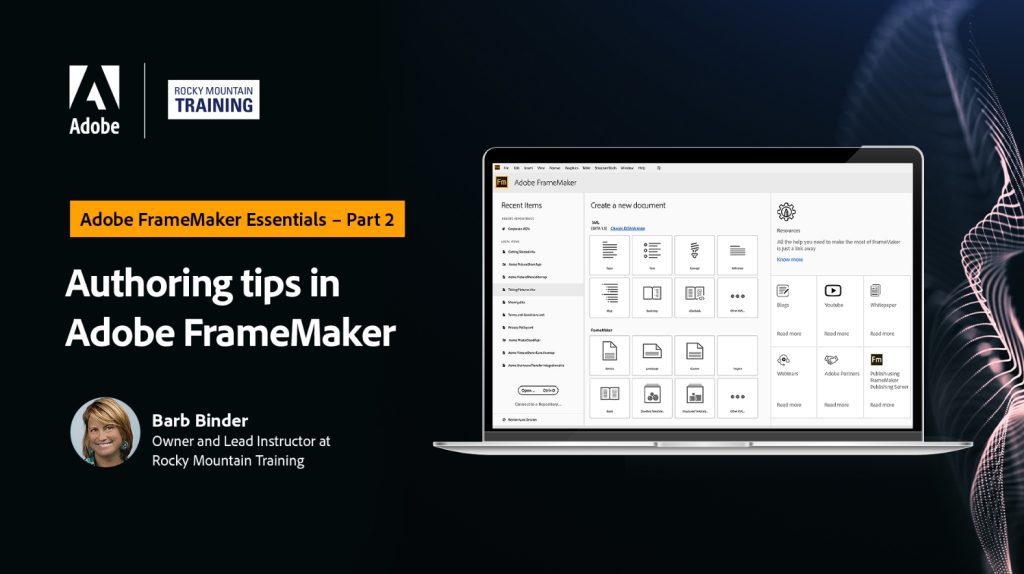
Adobe FrameMaker EssentialsPart 2: Authoring Tips

Adobe FrameMaker Essentials
Part 2: Authoring Tips

Recording

The recording of this webinar is now available on YouTube here.

The recordings of all sessions of the FrameMaker Essentials series are available in the Adobe FrameMaker Essentials Playlist on YouTube.

This webinar was recorded on September 14, 2022.

Welcome to Adobe FrameMaker Essentials, an online workshop series on the market-leading software for authoring and publishing technical content, Adobe FrameMaker. Here is your exclusive opportunity to learn from renowned technical communication experts and get hands-on training on Adobe FrameMaker.

In this particular series, we focus on the unstructured authoring or style-based authoring side of Adobe FrameMaker.

This session is geared towards intermediate users in Adobe FrameMaker. The training session will cover the following topics:

  • Editing an Adobe FrameMaker file
    • Working with special characters
    • Defining user variables
    • Dynamic spell-check
    • Smart Spaces and Smart Quotes
  • Parent Pages (Master Pages)
    • Creating a custom Parent Page
    • Applying custom Parent Pages (manually and automatically)
  • Creating and managing Cross-References
    • Understanding the role of markers
    • Locating and fixing unresolved/broken Cross-References
  • Splitting large documents
  • Harnessing the power of Find/Change

The Adobe FrameMaker Essentials series has been designed to help you get started with Adobe FrameMaker. We start with the basics and cover more complex topics as we proceed to the next session. So, if you are a novice documentation professional or a seasoned documentation expert looking to brush up your Adobe FrameMaker authoring skills, this is the place to be!

Your Expert

Barb Binder

Portrait photo of Barb Binder

Barb Binder is an Adobe Design Master on the Creative Cloud publishing applications, and an Adobe Certified Instructor on FrameMaker, InDesign, Photoshop, Illustrator, and Acrobat. In her spare time, she stays busy supporting the local Adobe community. As a member of the Adobe Certified Professional program, she is an active volunteer in the Adobe user forums. Barb also runs the Denver Adobe Creative Cloud User Group in Denver.

  • Barb Binder on LinkedIn
  • @barbbinder on Twitter
  • www.rockymountaintraining.com

Post navigation

Adobe FrameMaker Essentials Part 1: Introduction to FrameMaker
Adobe FrameMaker Essentials Part 11: Migrate from Word to DITA

Related Post

Customer Experience (CX)

From Zero AI Overview Mentions to First in Line: UF Health’s 10-Step Content Process

Customer Experience (CX)

PDF Accessibility Compliance: Standards, Remediation and Governance

Customer Experience (CX)

The Fast-Track Guide to Lasting Title II Compliance

Categories
  • Account Based Marketing (ABM)
  • Artificial Intelligence (AI)
  • Content Marketing
  • CRM
  • Customer Experience (CX)
  • Customer Service
  • Cyber Security
  • Data Management
  • Digital experience (dX)
  • e-Book
  • Employee Experience
  • Guide
  • Infographics
  • IT Event
  • J7
  • On-Demand Webinar
  • Podcast
  • Report
  • RingCentral
  • Webinar
  • White Paper

Recent Posts

  • From Zero AI Overview Mentions to First in Line: UF Health’s 10-Step Content Process
  • PDF Accessibility Compliance: Standards, Remediation and Governance
  • The Fast-Track Guide to Lasting Title II Compliance
  • Seven Leading Brands Using Gemini Enterprise for CX
  • Navigating the Great Content Collapse: How Marketers Can Survive and Thrive in the Age of AI

Archives

You missed

Customer Experience (CX)

From Zero AI Overview Mentions to First in Line: UF Health’s 10-Step Content Process

Customer Experience (CX)

PDF Accessibility Compliance: Standards, Remediation and Governance

Customer Experience (CX)

The Fast-Track Guide to Lasting Title II Compliance

Customer Experience (CX)

Seven Leading Brands Using Gemini Enterprise for CX

Privacy Policy

  • LinkedIn
Customer Experience (CX), Employee Experience Industry Insights

Proudly powered by WordPress | Theme: Newsup by Themeansar.

  • Home
  • Advertise
  • Contact us
  • CRM SoftwareBattleCard
  • Get Your Free Report
  • J7
  • Privacy Policy
  • Protect Against Multiple Concurrent & Consequential Hazards
  • Register page
  • Who we are

Powered by
►
Necessary cookies enable essential site features like secure log-ins and consent preference adjustments. They do not store personal data.
None
►
Functional cookies support features like content sharing on social media, collecting feedback, and enabling third-party tools.
None
►
Analytical cookies track visitor interactions, providing insights on metrics like visitor count, bounce rate, and traffic sources.
None
►
Advertisement cookies deliver personalized ads based on your previous visits and analyze the effectiveness of ad campaigns.
None
►
Unclassified cookies are cookies that we are in the process of classifying, together with the providers of individual cookies.
None
Powered by